pzmod
this is how you modded.
A keyboard-driven terminal app (plus a scriptable CLI) for managing the mods on a Project Zomboid dedicated server. Search the Workshop, resolve dependencies, order mods, validate before you boot, and keep timestamped backups, all while preserving your servertest.ini byte-for-byte.
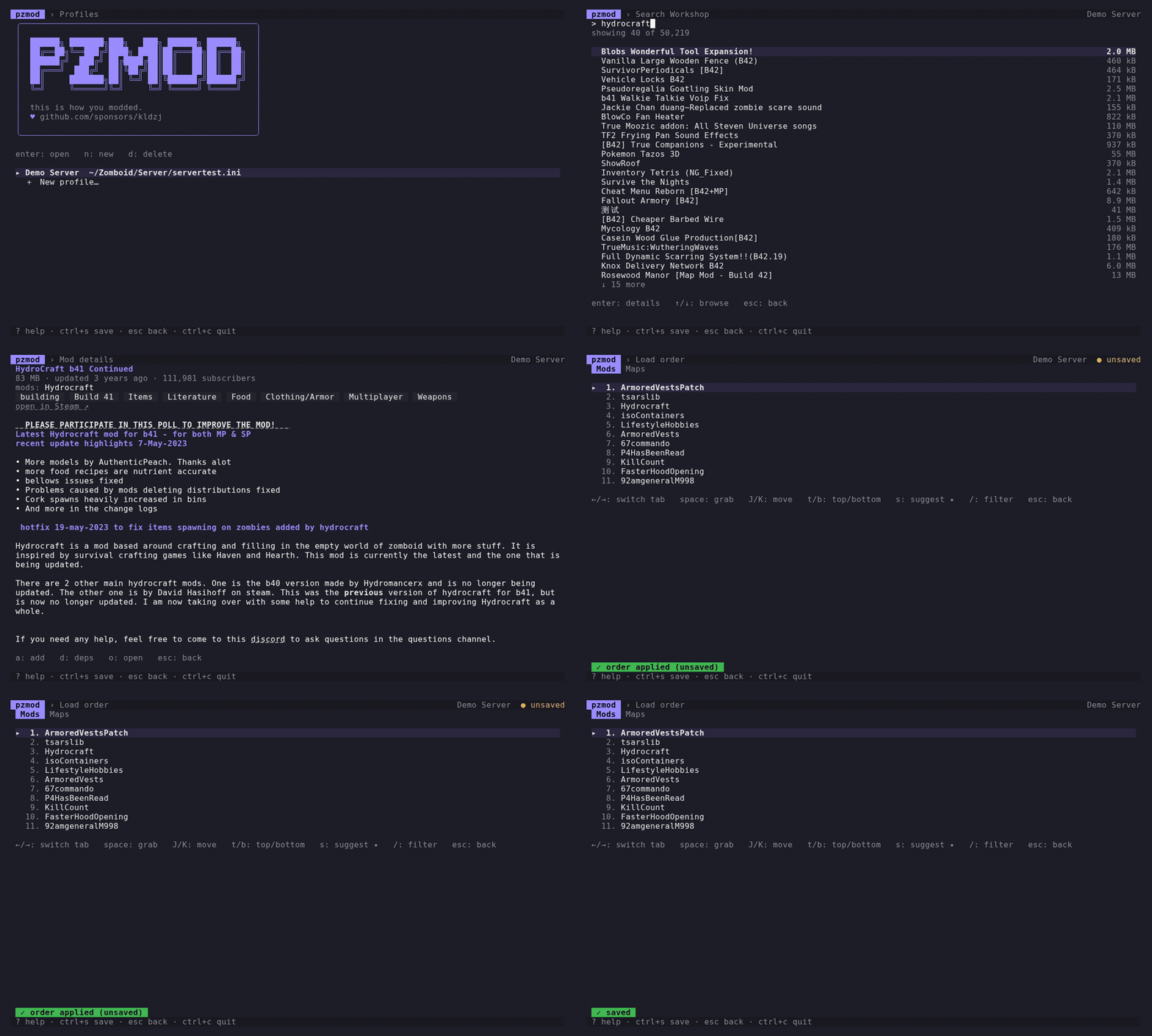
Features
Everything your mod list needs
One fast, keyboard-driven tool for the whole workflow, from finding a mod to booting a clean server.
Workshop search & browse
Find mods by name and read their details right in the terminal, no copying IDs from the browser.
Dependency auto-resolution
Pulls in required items (and their dependencies) so nothing is missing when your server boots.
Load-order management
Reorder mods by hand or get a framework-first suggestion that loads libraries before what needs them.
Type-to-filter
Press / on any long list to narrow it instantly. Installed mods, search results, load order: all filterable.
Dry-run validation
Catch missing dependencies, unknown mod IDs, delisted items, and bad map order before you launch.
Backups & rollback
Every save snapshots your config first. Restore any previous version in one step.
Multiple server profiles
Manage several servers from one place, each with its own file, build, and backups.
Build 41 & 42 aware
First-class support for both builds, including the new Build 42 \ModID reference format and compat hints.
Byte-exact config edits
Comments, key order, and line endings are preserved exactly. pzmod only rewrites what you changed.
In action
See it work
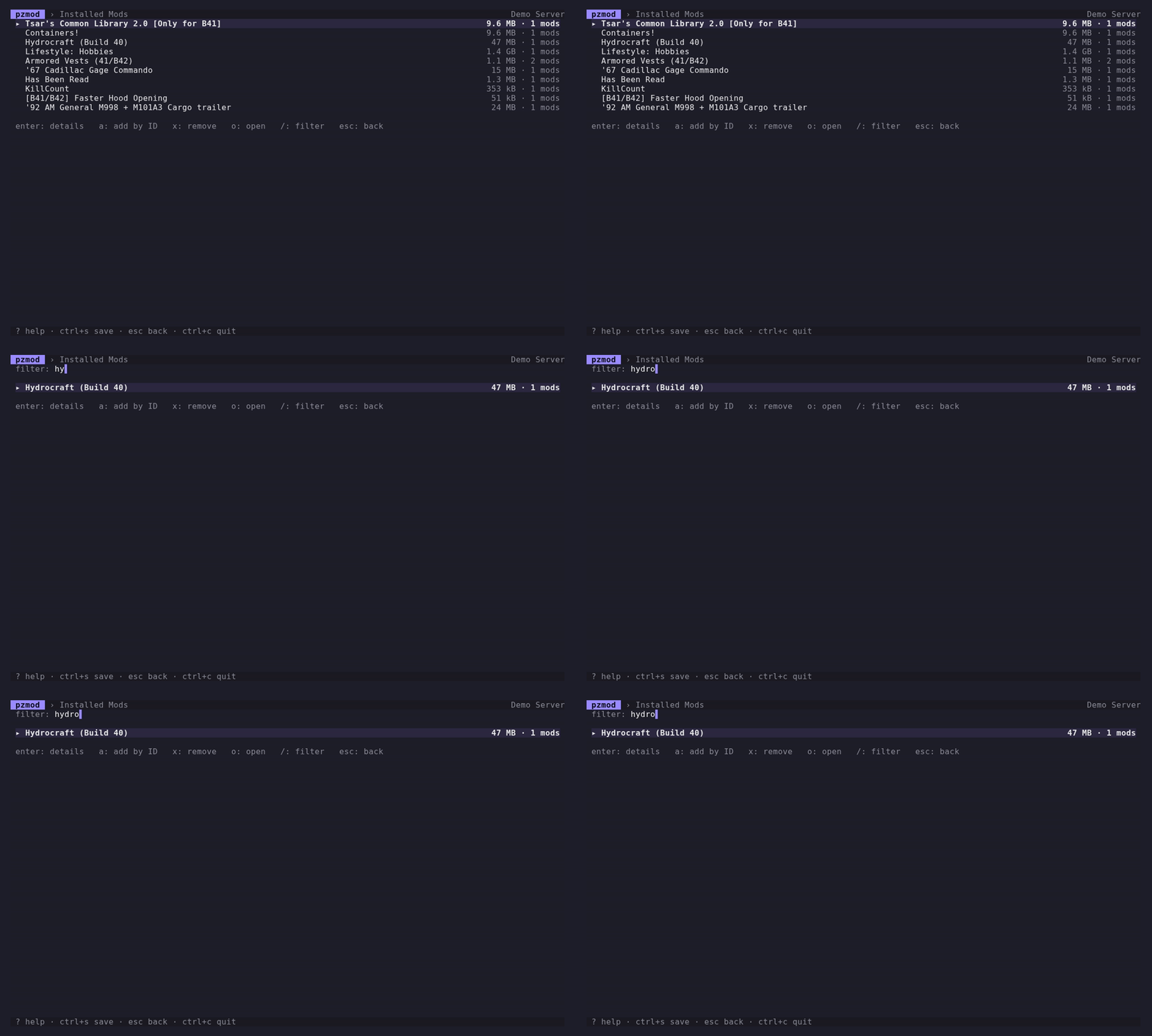
Filter
Find any mod, instantly
Long mod list? Press / and start typing. Installed mods, search results, and load order all narrow live as you type. No scrolling, no squinting.
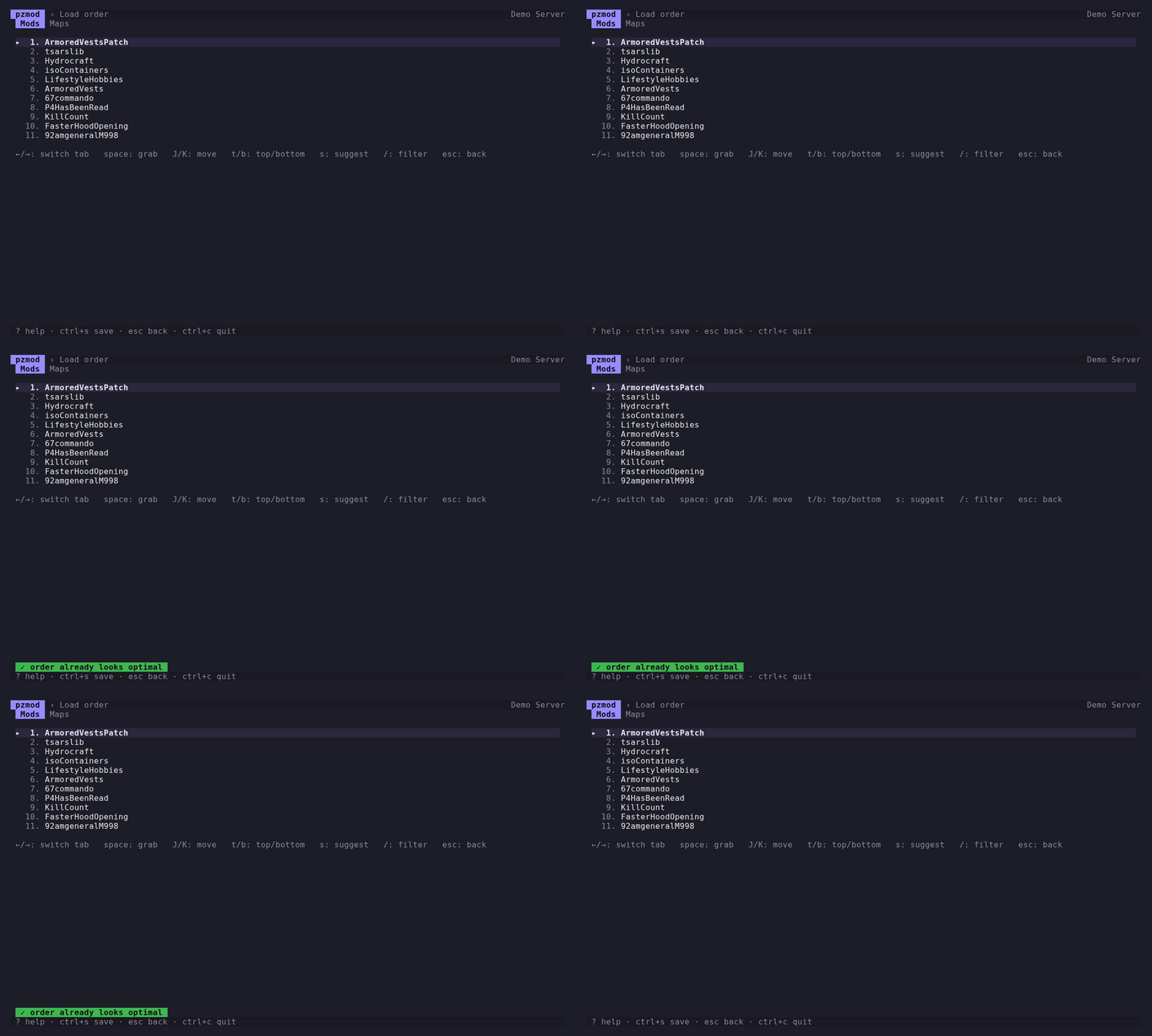
Load order
Order that loads in the right sequence
Press s for a framework-first suggestion that pulls shared libraries ahead of the mods that need them, then preview the change and apply it in one keystroke.
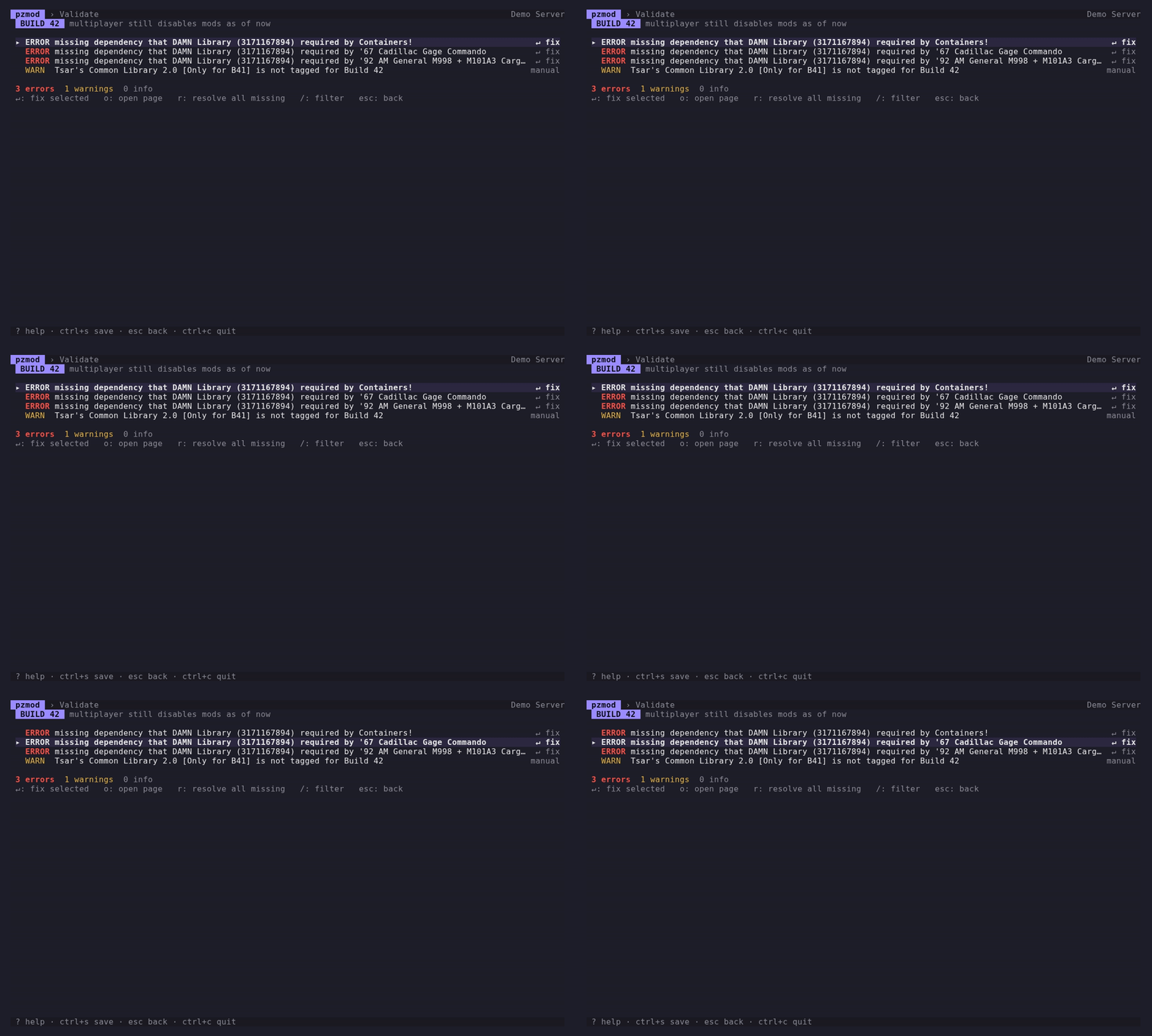
Validate
Catch problems before you boot
A dry run flags missing dependencies, unknown mod IDs, delisted items, bad map order, and Build 42 compatibility, with one-key fixes, so you find issues here instead of in the server log.
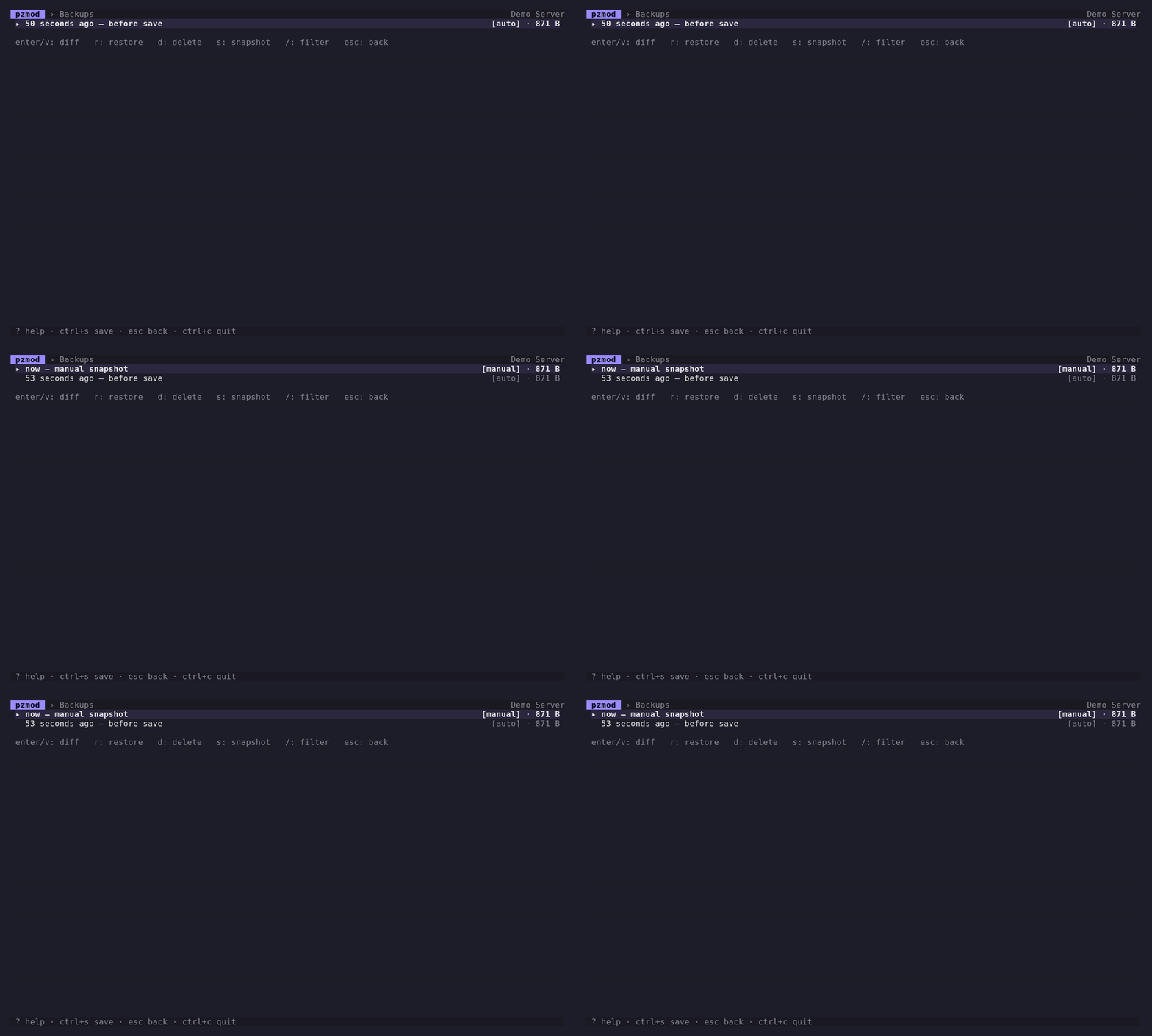
Backups
Never lose a working config
Every save takes a timestamped snapshot first. Made a change you regret? Roll back to any previous version in one step.
Quick start
Up and running in a minute
Install on Linux or macOS with one command:
curl -fsSL https://pzmod.dev/install.sh | bashOn Windows, run irm https://pzmod.dev/install.ps1 | iex in PowerShell. Also available as a Docker imageor a direct download.
Add your server
Point pzmod at your servertest.ini and pick Build 41 or 42. Manage as many servers as you like.
Search & add mods
Find mods in the Workshop and add them. Dependencies are pulled in for you automatically.
Validate & save
Run a dry-run validation, fix anything it flags, then save. A backup is taken before every write.
FAQ
Questions, answered
Is it safe to use on my live server config?
Yes. pzmod never writes to your file until you explicitly save, and it takes a timestamped backup before every write. You can restore any previous version in one step.
Will it reformat my servertest.ini?
No. Comments, key order, and line endings are preserved byte-for-byte. pzmod only re-renders the specific values you changed; everything else stays exactly as it was.
Does it support Build 42?
Yes, both Build 41 and Build 42, including the new \ModID and WorkshopID\ModID reference format. It matches and validates mods by their logical mod ID and warns about Build 42 compatibility.
Is it free?
pzmod is free and open source under the MIT license. If it saves you time, sponsoring on GitHub directly funds its continued development.
How do I update?
Re-run the install command, or download the latest binary from the releases page. Tagged release builds can also check for and apply updates themselves.
Where does pzmod store its data?
Profiles, your Steam API key, and backups live under your OS config directory (for example ~/.config/pzmod on Linux). Your server config stays wherever you keep it.
pzmod is free and open source
It’s built and maintained in the open. If pzmod saves you time running your server, sponsoring on GitHub keeps it improving: new features, fixes, and support for whatever Project Zomboid ships next.
Sponsor pzmodgithub.com/sponsors/kldzj